Mastering X (Twitter) Trends: Your Ultimate Guide to Staying Ahead

In the fast-paced world of social media, being “late to the party” means missing out on the conversation. Since Twitter rebranded to X, the platform has become even more of a real-time news engine. If you want to be the first to know what’s viral, mastering Twitter Trends is your “secret weapon.”
Why Should You Care About What’s Trending?
X Trends isn’t just a list of hashtags; it’s a pulse of the world.
- Instant News: From breaking global events to the latest K-pop comebacks.
- Networking: Join the right conversations to grow your followers.
- Content Strategy: For creators, trends are a goldmine for “viral-worthy” ideas.
- Market Insights: Understand what people are complaining about or praising in real-time.
Step-by-Step: Teleport Your Feed Anywhere
Whether you want to see what’s happening in Vietnam or dive into Global discussions, here is how you “hack” your location settings.
1. On Mobile (Your Daily Companion)
Don’t just settle for what’s in front of you. Customize it:
- Step 1: Hit the Search (Magnifying Glass) icon. This is your gateway to the world.
- Step 2: Look for the Gear icon (Settings) at the top right.
- Step 3: To go global, Toggle off “Show content in this location.”
- Step 4: Tap Explore Locations and type “Worldwide” (or “Vietnam” if you’re looking for local drama).
2. On Desktop (The Pro View)
For those who work on a big screen, the process is even smoother:
- Navigate to the Explore tab on your sidebar.
- Click the Settings icon next to the search bar.
- Disable the “Location-based content” to unlock the search bar for any country.
- Pro Tip: Look at the “What’s happening” sidebar on your home page—it’s the fastest way to see trends without clicking a single button.
Pro Tips for Navigating X Trends Like a Boss

To truly master the platform, simply knowing where the trends are isn’t enough. You need to know how to read them:
- Look for the “Context”: Most trends now come with a small blurb or a headline below the hashtag. Read this first to understand why a topic is trending without having to scroll through thousands of posts.
- Check the “Personalized” tab: X often shows you “Trends for you.” While this is great for your interests, remember to switch to “Trending” to see what the rest of the world is actually talking about.
- Avoid the Spam: Sometimes, certain keywords trend due to bots. If you see a trend with a random string of numbers or unrelated images, it’s likely a spam trend.
Frequently Asked Questions (FAQ)
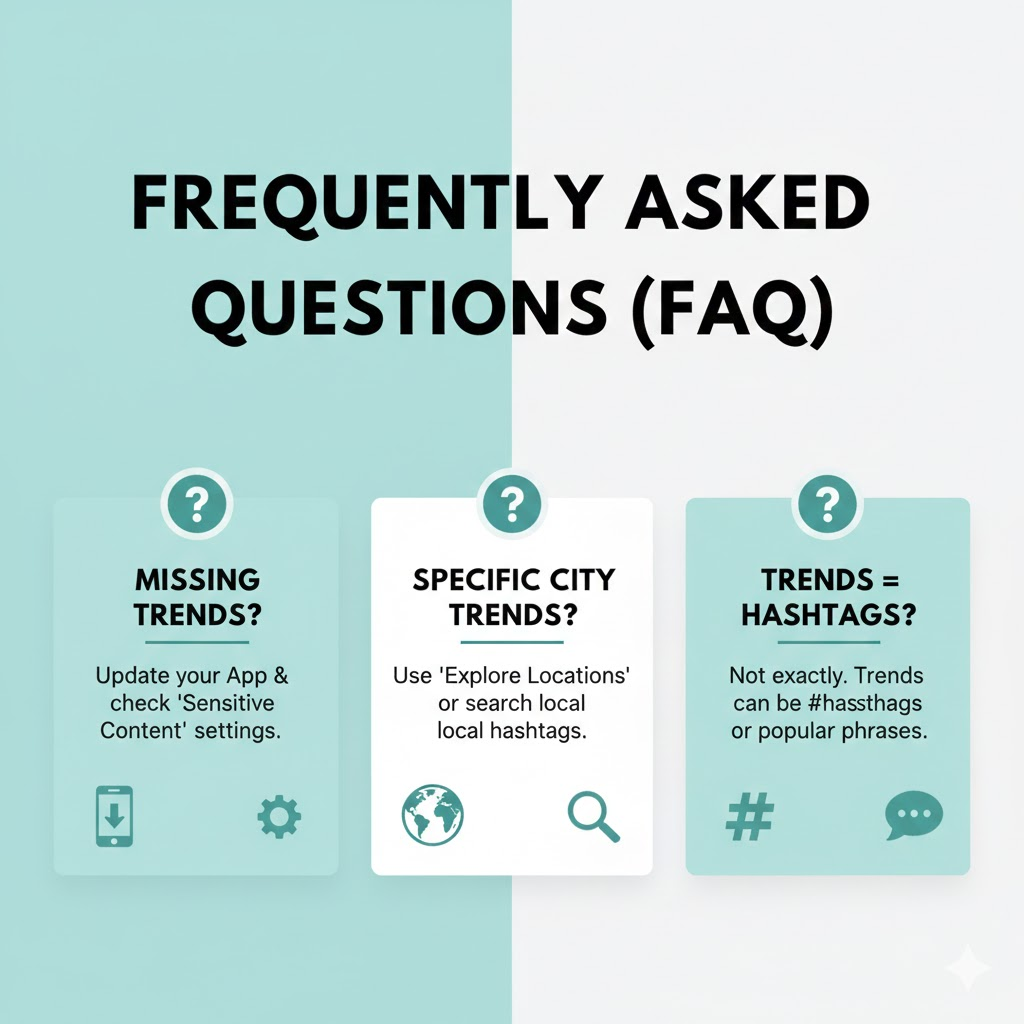
Q: Why can’t I see the Trends section? A: Ensure you are logged in and your app is updated. If it’s still missing, check your “Content Preferences” in settings to make sure your sensitive content filter isn’t blocking everything.
Q: Can I see trends for a specific city, like Ho Chi Minh City? A: X currently focuses more on country-level trends (e.g., Vietnam) rather than specific cities, but searching for local hashtags will give you a similar result.
The Verdict
X Trends is your window to the world’s most candid conversations. By knowing how to switch locations, you’re no longer just a spectator; you’re a global citizen.