Top 10 Instagram Tools Every Content Creator Needs

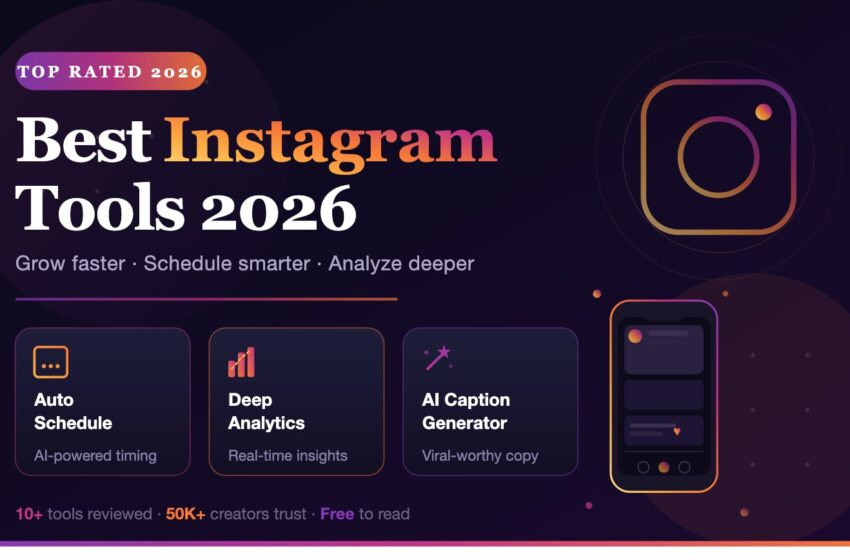
In the fast-paced digital landscape of 2026, the difference between a stagnant profile and an exploding brand often comes down to one thing: your toolkit. To truly skyrocket your reach and maintain high engagement, you must leverage the latest AI-driven technology. Here are the top 10 Instagram tools that are essential for every creator this year.
Table of Contents
1. Canva: The All-in-One Creative Instagram Tool
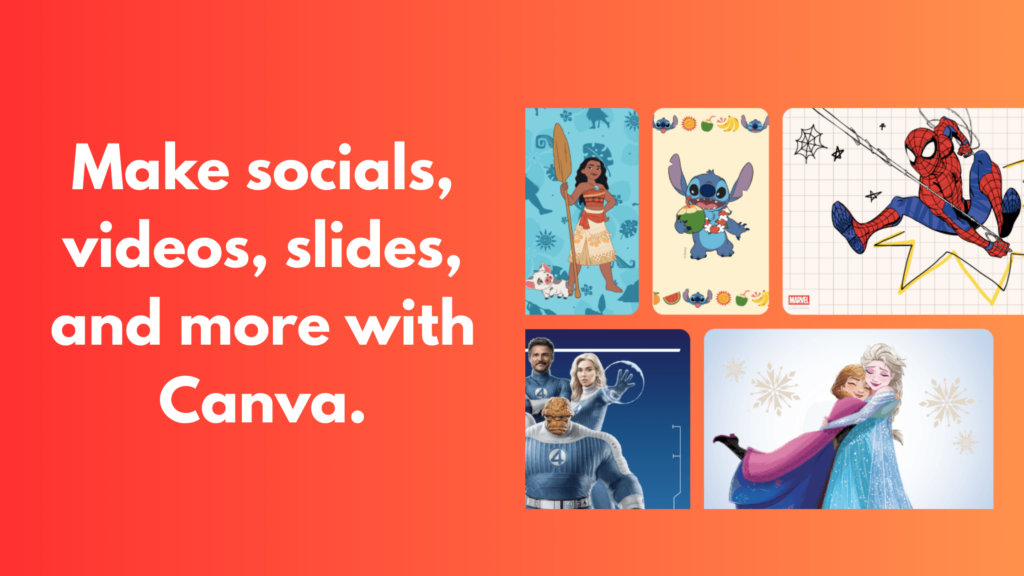
General Introduction: Canva remains the undisputed leader for speed and accessibility. Its “Magic Studio” has transformed it into an AI-first design suite for modern creators.
Key Features & Use Cases
- AI-Powered Magic Studio: The platform handles everything from text-to-image generation to automatic background removal. This is ideal for solo creators who need professional visuals but lack formal design training.
- One-Click Brand Consistency: Jumpstart your content strategy with “Brand Kits” that lock in your colors and fonts. This feature is perfect for small businesses trying to build a unified look.
- Seamless Multi-Format Resizing: Use “Magic Switch” to transform one post into a Story, Reel, and Carousel instantly. This is crucial for marketers who need to maintain a presence across all formats.
- Pros: Massive template library; seamless user experience.
- Cons: Overused templates can make your brand look “generic.”
- Official Link: canva.com
2. Adobe Express: The Precision Specialist Instagram Tool
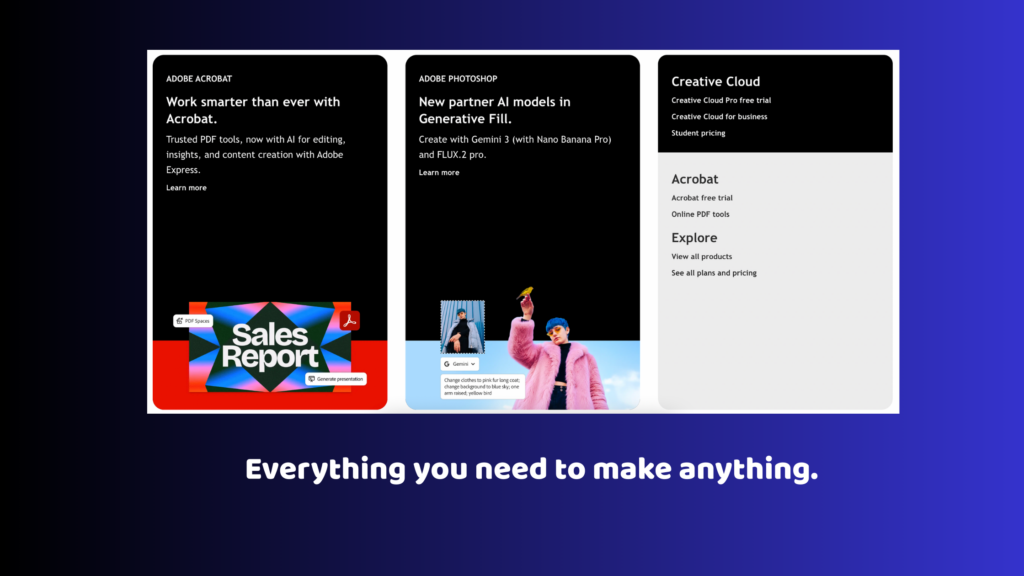
General Introduction: A professional alternative to Canva that leverages Adobe’s powerful engines (Photoshop and Firefly) while remaining remarkably user-friendly.
Key Features & Use Cases
- Generative AI via Adobe Firefly: This platform handles complex tasks like “Generative Fill” and “Text-to-Template” with extreme realism. This is ideal for creators who want high-end artistic effects.
- Seamless Creative Cloud Sync: Connect your mobile workflow to professional desktop assets instantly. This is perfect for agencies that need to maintain brand integrity.
- Professional Typography & Assets: Access the entire Adobe Fonts library. This feature is perfect for brands that prioritize a polished, high-end aesthetic.
- Pros: Superior AI retouching; professional-grade typography.
- Cons: Can be taxing on older smartphones due to high processing power.
- Official Link: adobe.com/express
3. CapCut: The Ultimate Instagram Tool for Viral Reels
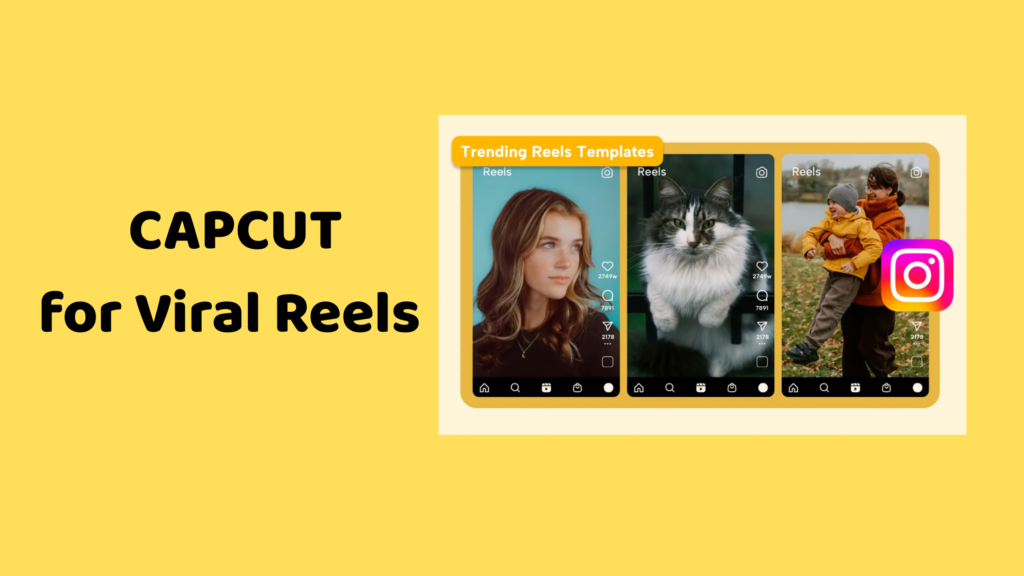
General Introduction: Owned by ByteDance, CapCut is always in sync with viral trends. It is the gold standard for high-retention video storytelling on Instagram.
Key Features & Use Cases
- End-to-End Video Automation: Leverage AI-scripting and “Auto-Cut” to generate Reels from raw footage. This is ideal for creators who want to skyrocket their reach without manual editing.
- Viral Trend Integration: Connect directly to trending audio libraries to ensure your content is always in sync with current culture.
- Advanced AI Body Effects: Apply cinematic filters and tracking effects that were once exclusive to desktop software. This is essential for influencers producing “viral-ready” content.
- Pros: Powerful multi-layer editing; handles 4K exports with ease.
- Cons: Privacy concerns for some corporate brands.
- Official Link: capcut.com
4. OpusClip: The Best Instagram Tool for Video Repurposing
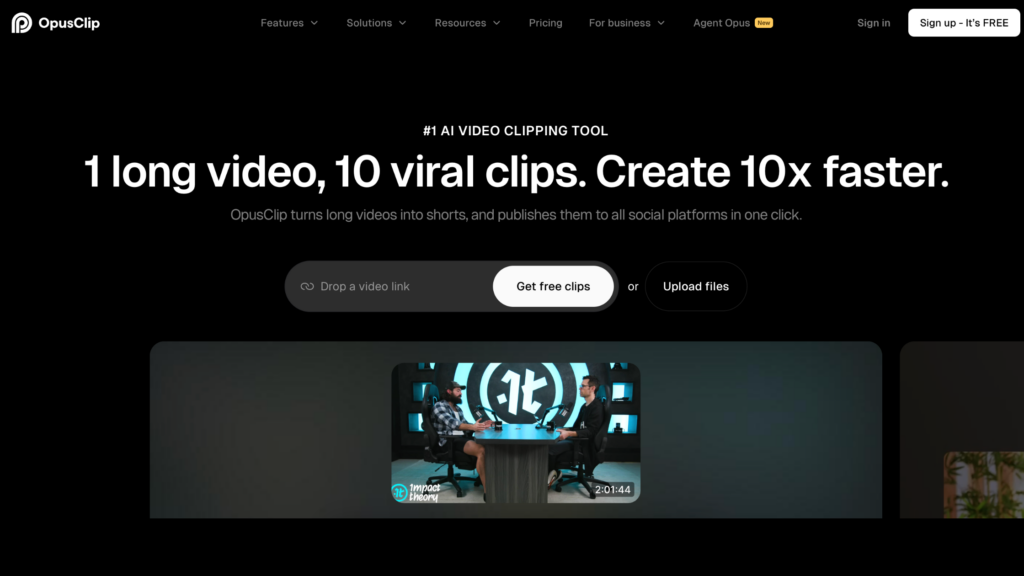
General Introduction: An AI video tool that repurposes long-form content (like YouTube or podcasts) into dozens of viral-ready Reels in minutes.
Key Features & Use Cases
- AI-Driven Virality Detection: The platform handles the analysis of long videos to extract the most engaging hooks. This is ideal for podcasters who lack time for manual editing.
- Auto-Reframe & Dynamic Captions: Automatically convert horizontal footage to vertical while keeping the speaker centered. This is perfect for creators trying to find their footing in short-form video.
- High-Efficiency Exporting: AI generates the script, highlights, and subtitles in one click. This feature helps you maximize your posting frequency.
- Pros: Massive time-saver; includes a “Virality Score.”
- Cons: AI-generated B-roll can sometimes require manual adjustment.
- Official Link: opus.pro
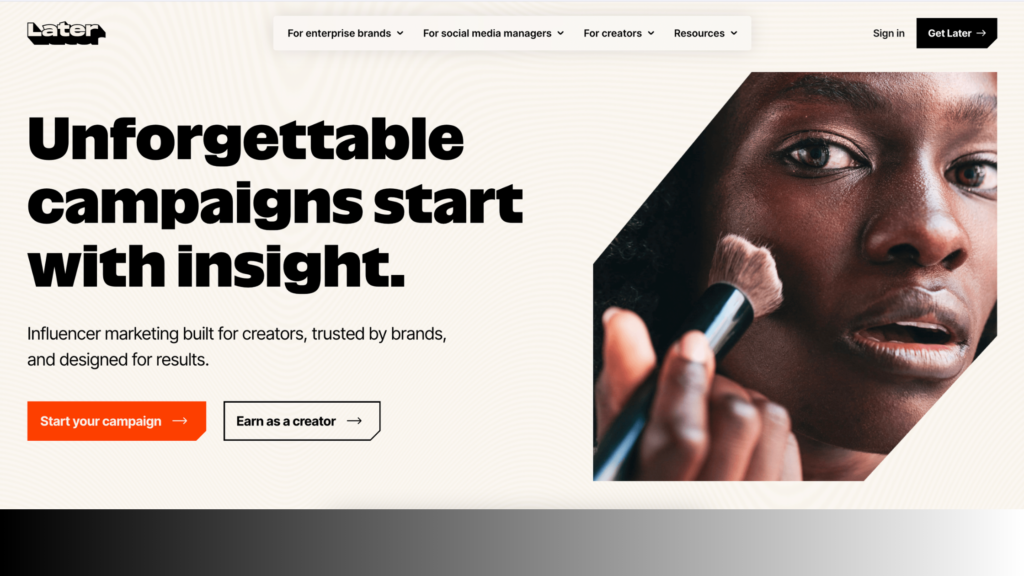
5. Later: The Visual Architect of Instagram Tools
General Introduction: The premier scheduling tool for creators who prioritize their “grid aesthetic” and visual storytelling.
Key Features & Use Cases
- Visual Grid Planning: The drag-and-drop interface allows you to keep track of your profile’s look before you hit publish. This is ideal for lifestyle brands where the grid is a top priority.
- Integrated Scheduling & Auto-Posting: Connect your accounts to schedule content for the “Best Time to Post.” This helps agencies streamline workflows and guarantee delivery.
- Linkin.bio Optimization: Turn your bio into a clickable gallery that mirrors your feed. This is perfect for e-commerce businesses needing to bridge the gap between browsing and buying.
- Pros: Best visual interface; reliable auto-publish features.
- Cons: The free plan is very restrictive in 2026.
- Official Link: later.com
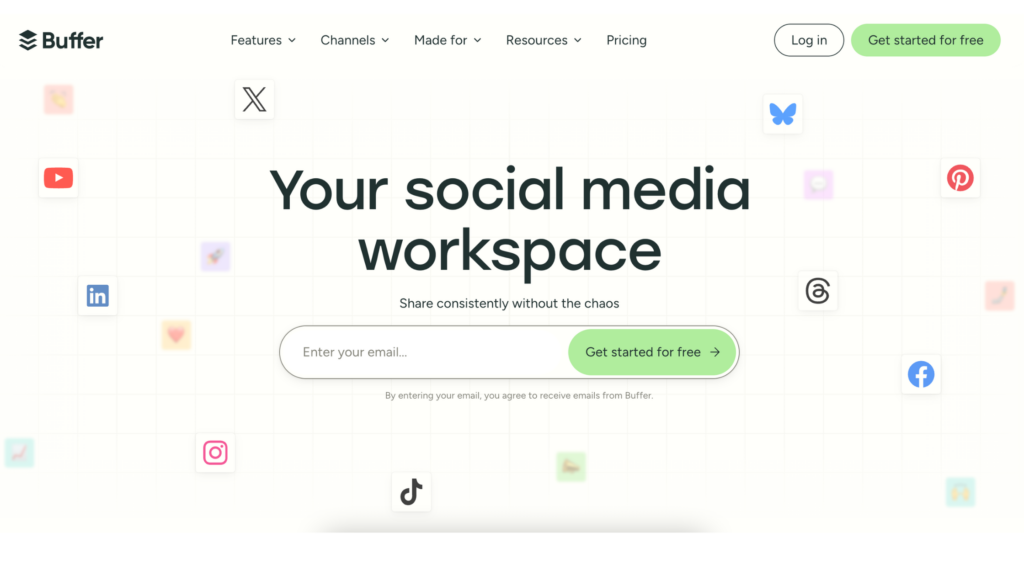
6. Buffer: A Streamlined Instagram Tool for Efficiency
General Introduction: A simplified management tool focused on multi-platform reach and a “clutter-free” user experience.
Key Features & Use Cases
- Multi-Platform Content Sync: Draft one post and transform it for Instagram, TikTok, and Threads simultaneously. This is ideal for solopreneurs managing multiple channels.
- AI-Powered Best Time to Post: Leverage historical data to schedule when your audience is most engaged with your brand.
- Transparent Analytics: Monitor your growth in a simple environment. This feature is perfect for beginners who want to audit their strategy without being overwhelmed.
- Pros: Very affordable for solo creators; clean UI.
- Cons: Grid preview is not as visually detailed as Later.
- Official Link: buffer.com
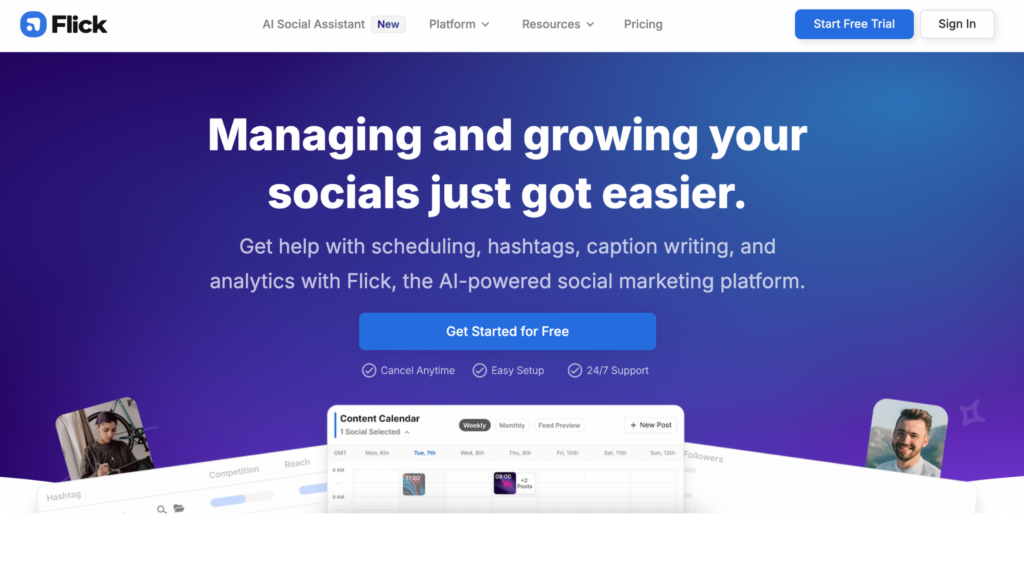
7. Flick: The AI-Powered Instagram Tool for Hashtags & SEO
General Introduction: An all-in-one hashtag and SEO platform that helps you dominate the Instagram search results using AI intelligence.
Key Features & Use Cases
- Smart Hashtag Filtering: The platform handles the heavy lifting by filtering hashtags based on your account size. This is ideal for new accounts trying to find their footing.
- AI Social Assistant: Generate dozens of content ideas and captions based on a single keyword. This is perfect for creators facing “writer’s block.”
- Banned Hashtag Protection: Automatically audit your tags to avoid shadowbans. This is crucial for businesses that need to maintain a professional footprint.
- Pros: Filters hashtags smartly; powerful AI ideation.
- Cons: Subscription-based only (no forever-free version).
- Official Link: flick.social
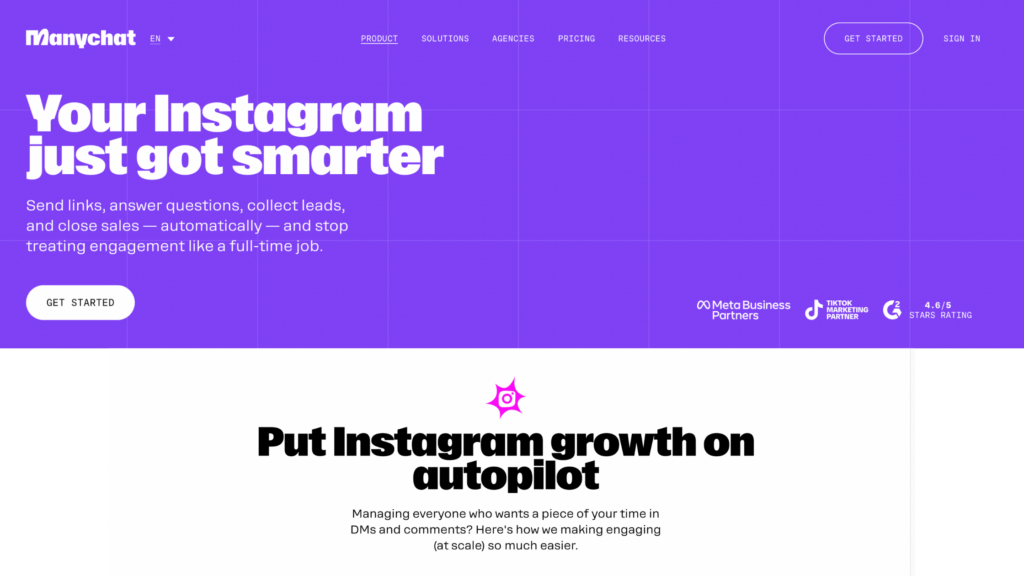
8. ManyChat: The Best Instagram Tool for DM Automation
General Introduction: The industry leader in DM automation, turning passive viewers into active leads and customers 24/7.
Key Features & Use Cases
- Comment-to-DM Growth Engine: Automatically send links to anyone who comments a specific keyword. This is ideal for creators running “lead magnet” campaigns.
- Story Engagement Triggers: Instantly respond to Story mentions to keep the conversation going. This feature is perfect for brands wanting to bridge the gap between awareness and sales.
- Visual Flow Builder: Create complex automated sequences without coding. This is essential for businesses scaling their customer support.
- Pros: Officially approved by Meta; dramatically increases conversion.
- Cons: Requires careful scripting to avoid sounding “robotic.”
- Official Link: manychat.com
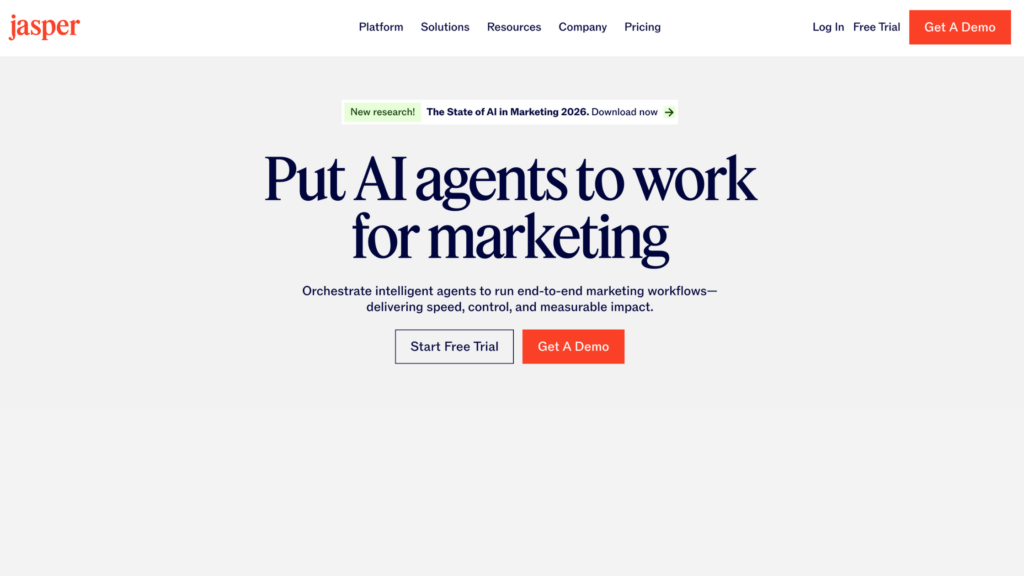
9. Jasper AI: An Intelligent Instagram Tool for Copywriting
General Introduction: A high-end copywriting tool that helps you maintain a consistent brand voice that sounds like a human, not a machine.
Key Features & Use Cases
- Brand Voice Customization: Train the AI on your specific writing style. This is crucial for educators who need to maintain specific messaging styles.
- AIDA Marketing Frameworks: Use proven structures to write captions tailored to your specific audience. This is perfect for creators looking to diversify content and drive sales.
- Instant Content Repurposing: Transform a blog post into 10 unique Instagram captions in seconds. This is ideal for high-volume creators.
- Pros: Produces 100% original, high-converting copy.
- Cons: Requires a paid subscription; manual fact-checking recommended.
- Official Link: jasper.ai
10. VEED.io: The Professional Online Video Instagram Tool
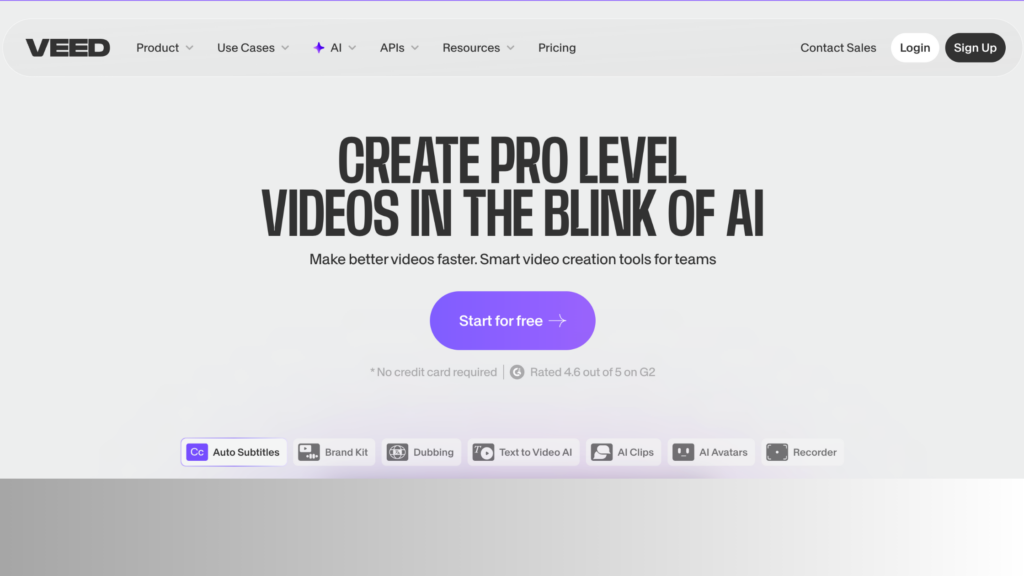
General Introduction: VEED is a powerful, browser-based video editor that leverages AI to make professional video production accessible to everyone. In 2026, it has become an essential Instagram tool for creators who need high-quality edits without downloading heavy software.
Key Features & Use Cases
- AI-Powered Subtitle Generation: The platform handles the tedious task of transcribing and styling subtitles with 98% accuracy. This is ideal for creators making “silent-friendly” Reels where captions are essential for high retention.
- One-Click Eye Contact Correction: This futuristic AI feature adjusts your eyes to look directly at the camera even if you were reading a script. This is perfect for educators and influencers who want to maintain a strong personal connection with their audience.
- Instant Social Media Resizing: Automatically transform your video into specific ratios for Reels, Stories, or Carousel posts. This feature helps small businesses streamline their workflow and ensures their content is always tailored for Instagram’s unique dimensions.
- Pros: No installation required; industry-leading AI voice-to-subtitle engine; easy collaboration features.
- Cons: High-resolution rendering (4K) requires a stable internet connection and a premium plan.
- Official Link: veed.io
Conclusion: Mastering Your Strategy with the Best Instagram Tools
Choosing the right Instagram tools is not just about making your photos look better; it is about building a scalable and efficient workflow. By integrating these Instagram tools into your daily routine, you bridge the gap between a casual presence and a robust, influential brand. Now is the time to audit your current strategy, select the right Instagram tools from this list, and watch your engagement skyrocket.
If you are serious about expanding your reach, you should also check out our deep dive on how to get a lot of followers on Instagram to build a loyal audience from scratch. Additionally, if you want to explore more creative options, don’t miss our curated list of the best apps for Instagram available this year. By combining the right technology with a consistent posting schedule, you are well on your way to social media success in 2026